How to Obtain an Emeritus / Retiree ID Card
Follow these steps to upload a photo of a government-issued photo ID to the UCI Campus Card Services office:
GO TO https://myphotoid.uci.edu/
CHOOSE “ACCOUNT LOGIN” from the menu on the left
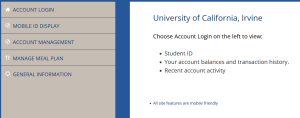
LOGIN with your UCInetID
CHOOSE “UPLOAD YOUR PHOTO” from the menu on the left
 FOLLOW THE “INSTRUCTIONS” (3 steps)
Agree to Terms 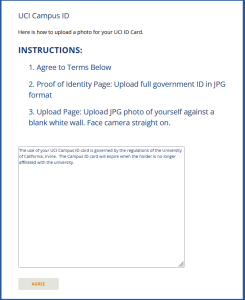
Upload image of a Govt-Issued photo ID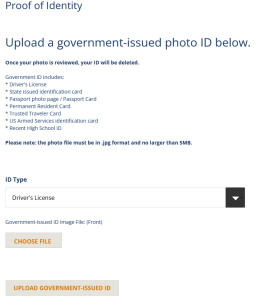
Upload the photo for your ID Card … NOTE: See photo requirements. This photo must resemble a passport. Meaning, you against a white wall/background (no lines or decorations). Remember not to turn your body or tilt your head. 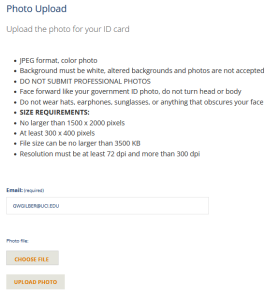

Please see the Zotkey website for more examples and information on how to upload:
After your photo is approved, please email cardservices@uci.edu to have your ID printed.